
Action Bar
Details
You can learn more about a tile or Struct, as well as issue commands, via the Action Bar. Select a tile to expand the Action Bar.
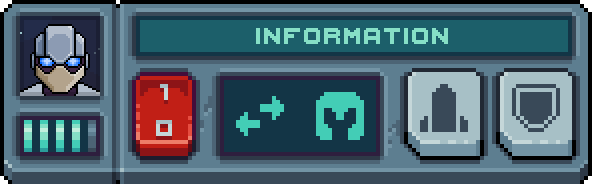

Action Buttons allow you to deploy or command Structs. Press-and-hold any button to reveal information about that action or ability.
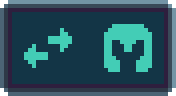
The Property Screen displays information about a Struct, such as it's status or passive abilities. Press-and-hold an icon to reveal information about it.

The Power Switch activates or deactivates a Struct. Deactivated Structs do not consume Energy.